The Cameras tab lets you name each camera position so recordings and safety events show meaningful names instead of Aux 1 / Aux 2. Names and roles set here apply as the fleet default, and vehicles can override them individually.
Labels defined here appear anywhere the camera is referenced, including Recordings, live view, safety events, and the camera picker.
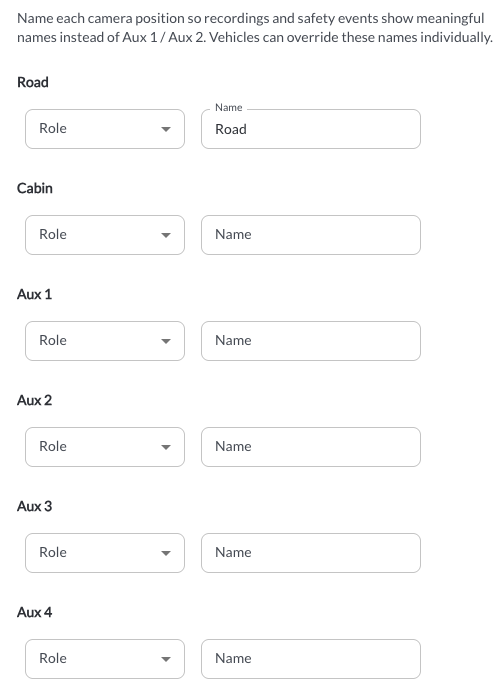
Available Settings
For each camera position, the following fields are available:
- Role: Defines the camera's position on the vehicle. Available options:
- None
- Front
- Left
- Right
- Rear
- Interior
- Cargo
- Other
- Name: Enter a free-text label for the camera, for example Front Camera.
Note
The same Role can be assigned to more than one camera position on the
same vehicle.
Note
If Role is set to None and no Name is entered, the camera is displayed
using its default label: Road, Cabin, or Aux 1 through Aux 8.
Note
Fleet-level camera names can be overridden by a Config Profile assigned
to a tag, or by a Vehicle Override on an individual asset. To check which
configuration source is currently applied to an asset, refer to the Config
Source column in the Assets table.
* Lytx may offer configuration options and recommendations, but the customer decides which settings to enable and remains solely responsible for using the product in compliance with its policies and applicable laws.