New: Camera Role and Name
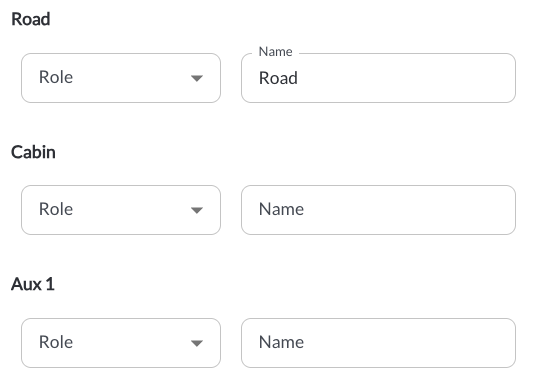
Each camera connected to a vehicle can now be assigned a Role and a Name instead of displaying as Aux 1 and Aux 2. The Role defines the camera position and can be set to None, Front, Left, Right, Rear, Interior, Cargo, or Other. The Name is a free text label for the camera.
Roles and names can be set at the fleet level, a tag level, or per vehicle, and appear everywhere the camera is referenced, including recordings, live view and safety events.
Learn more → Understanding Assets Configuration
New: Safety Events Configuration
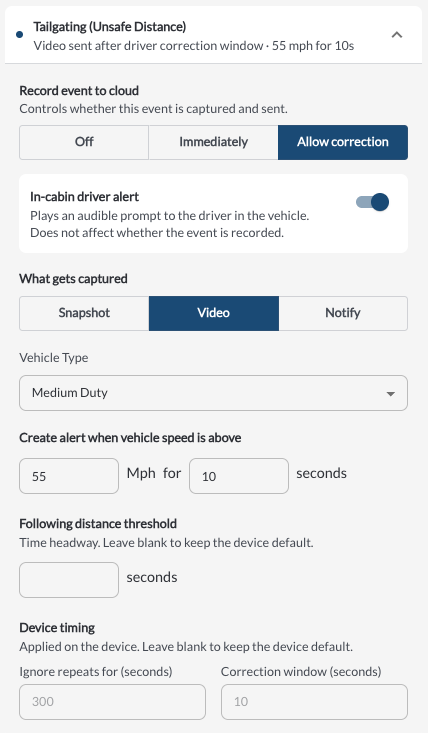
A new Safety Events configuration section lets fleet managers tune how safety events are detected and reported. Available settings include how long repeat detections are ignored, how long a driver has to correct the behavior before an event is sent, the following-distance threshold used for tailgating, and a minimum speed for near collisions. These controls help reduce duplicate and low-value events so reviewers focus on what matters.
Learn more → Understanding In-Cab Detections
New: Media Capture for Speeding Events
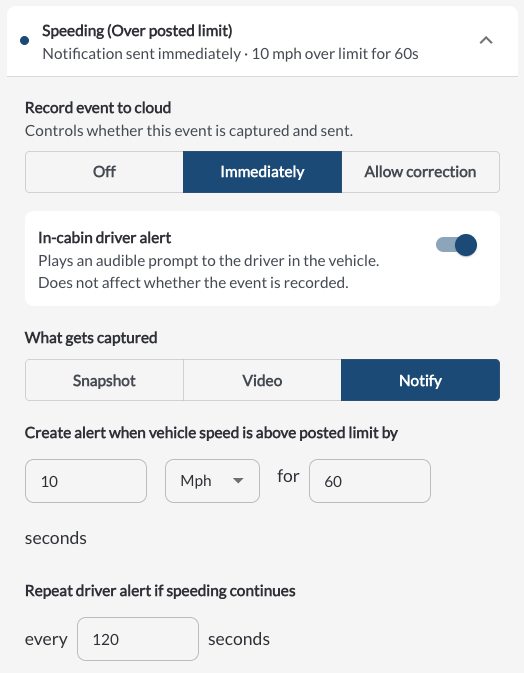
Speeding events can now capture a snapshot or a video clip in addition to sending a notification. This gives reviewers visual context for the event instead of an alert alone. The capture type is set in the speeding event configuration.
Learn more → Understanding In-Cab Detections
New: Event Generation Settings Tab
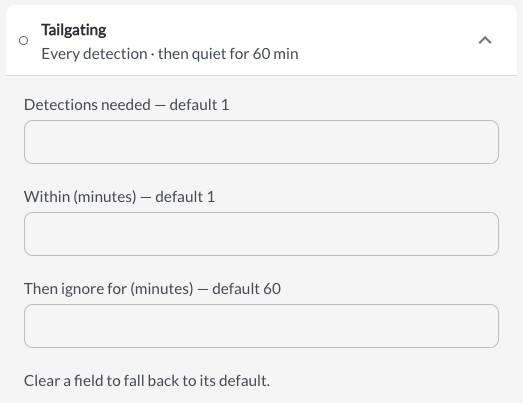
Event Generation now has its own Settings tab, instead of a column in the Driver Safety Program workflow settings. Detection Threshold, Window, and Snooze determine whether an event is created at all, and the setting applies at the fleet level.
Event Generation is now turned off by default and behaves the same way for both Driver Safety and legacy Safety. Fleets that already configured Event Generation as part of the Driver Safety Program will have it enabled with their pre-configured values.
Learn more → Event Generation Settings
New: Set Engine Hours from the Portal
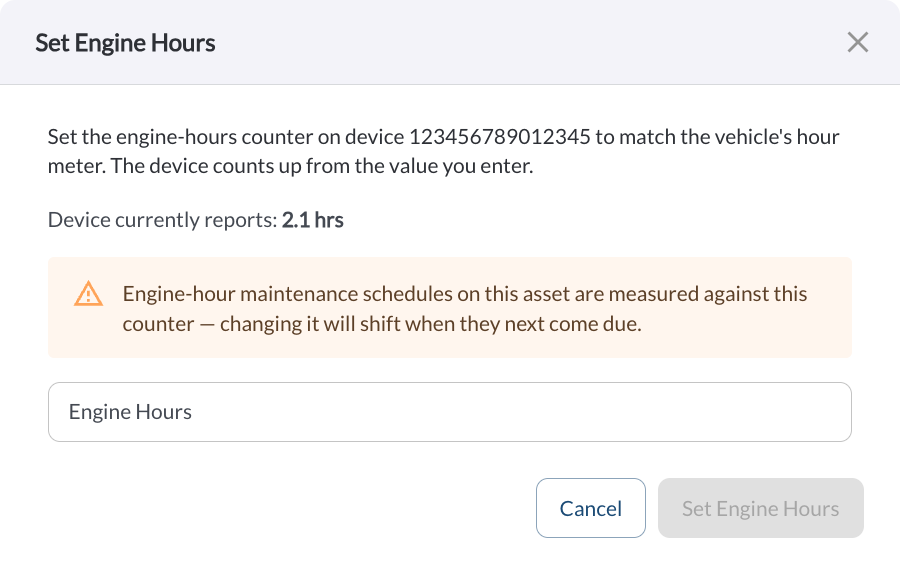
Engine hours can now be set directly from the Fleet Portal. Vehicles that do not support engine hour reporting previously started counting from zero. Entering the current engine-hour reading allows the count to continue from the vehicle's real current value.
Learn more → How to Set Engine Hours
New: Virtual Odometer
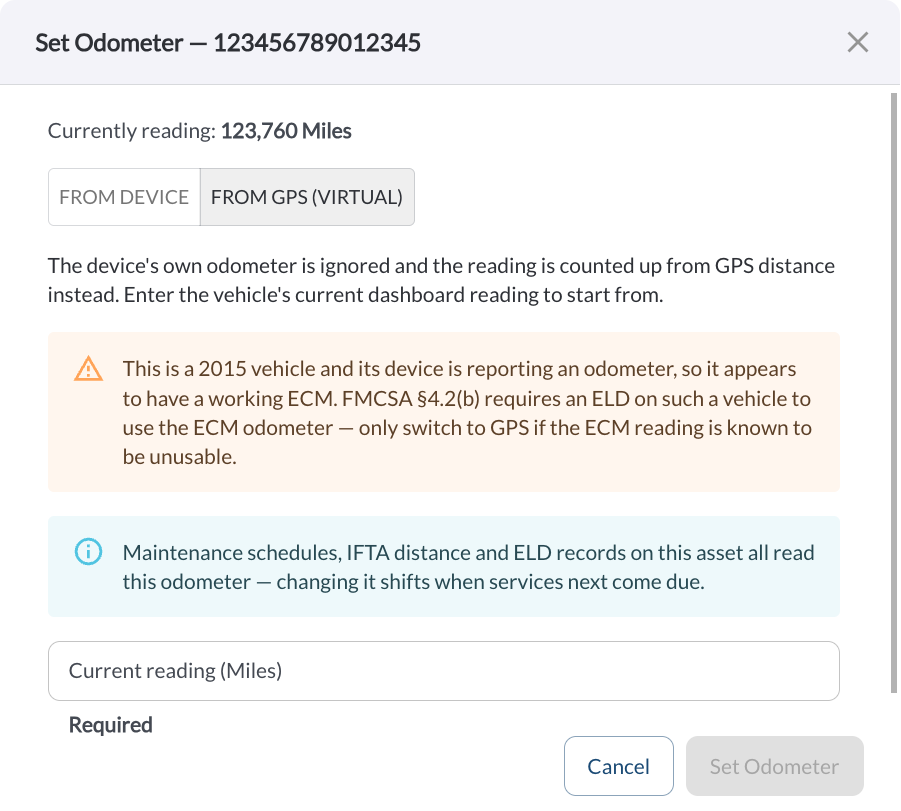
Virtual Odometer tracks odometer readings from GPS distance for vehicles with no working ECM odometer. Fleet managers enter the current dashboard reading using the new Set Odometer action on the Assets page. The platform then ignores the device-reported odometer for that vehicle and advances the reading from GPS distance, so Maintenance, IFTA, DVIR, and HOS logs display a usable odometer value.
Learn more → How to Set the Virtual Odometer
New: Wi-Fi Network Device Configuration
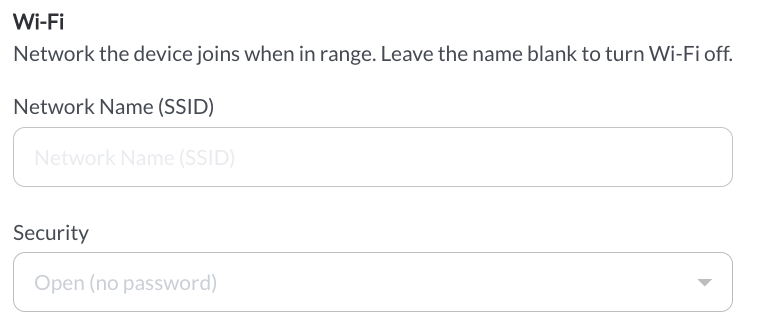
A new device configuration setting defines the Wi-Fi network that devices join. It can be set per fleet, per settings profile, or per vehicle. The password is converted into a key in the browser, so the password itself is never sent, stored, or written to the audit log.
Note
This setting requires device firmware version 2.6.315 or above.
Learn more → Fleet Settings | Profile Settings | Asset Settings
New: Steering Side Device Configuration
A new device configuration setting defines the steering side for right-hand-drive vehicles. It can be set per fleet, per settings profile, or per vehicle, so devices are configured correctly for the market the vehicle operates in.
Note
This setting requires device firmware version 2.6.315 or above.
Learn more → Fleet Settings | Profile Settings | Asset Settings

Improvement: Single Safety Menu for Driver Safety Program Fleets
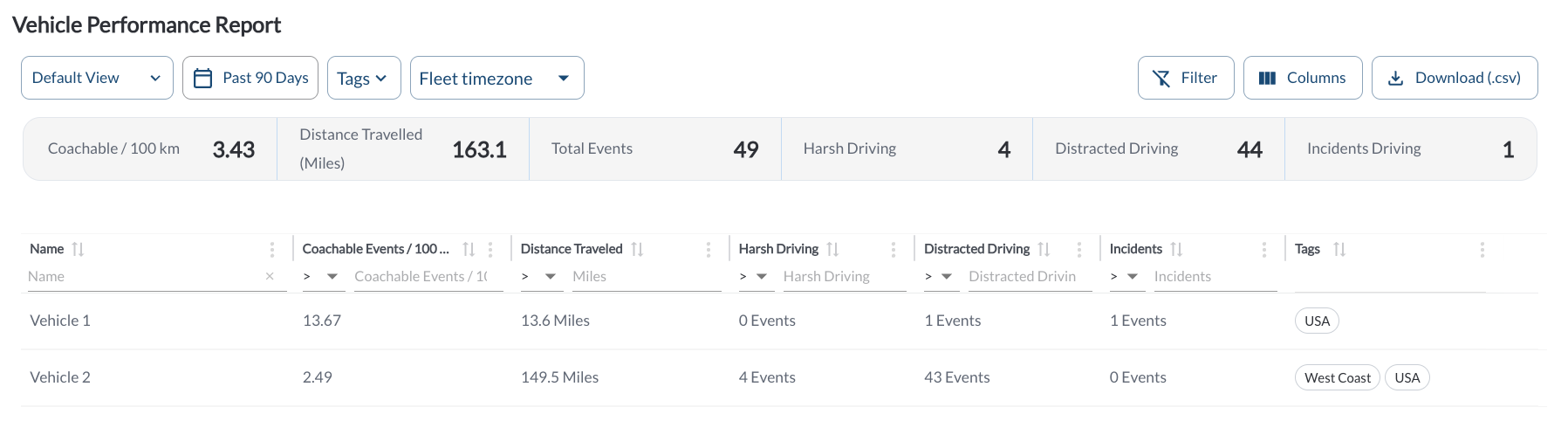
Fleets on the Driver Safety Program now see one safety menu instead of two overlapping ones. Legacy Safety is hidden, and Vehicle Performance moves under Driver Safety → Insights.
Learn more → Vehicle Performance Report
Bug Fixes
| Area / Page |
Description |
| Recordings |
Fixed dashcam recording playback freezing part-way through, and made the timeline seekable. |
| Recordings |
Fixed recording downloads freezing before completing. |
| Snapshots and clips |
Fixed camera snapshot and clips with no footage returning an error instead of displaying the "no recording" placeholder. |
| Video Player |
Fixed a video whose upload is retried, or that is opened by a second viewer mid-stream, serving stale data or stalling both viewers. |
| Date filters |
Fixed single-day date range selection. |